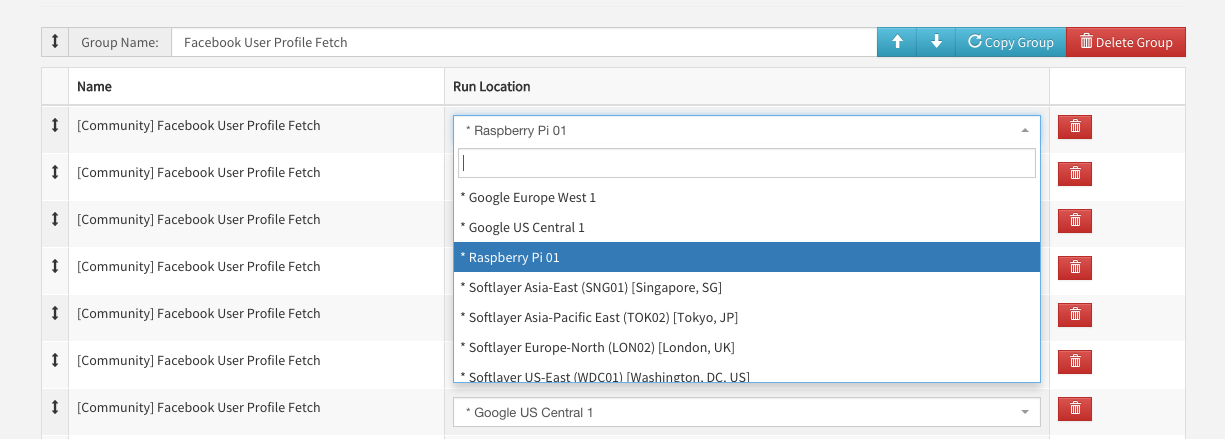
Remote Locations updated with our latest clients, including for Azure.
Wider pages for desktop viewers.
Report editor tweaks to make it easier to see which API Call is currently deployed.
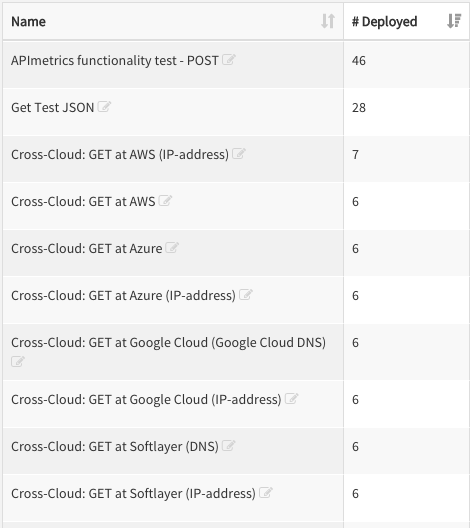
API Calls list now has a column showing you how many deployments each call has enabled.
Report Latency graph loading improvements.
And as always, miscellaneous bug fixes.
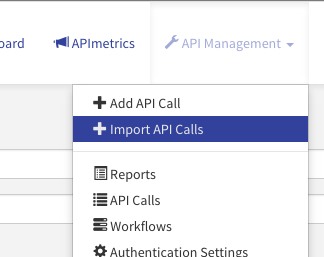
Import API Calls API Blueprint is now the fourth supported format in our bulk importer - we also support WSDL, Swagger, and RAML. This means you can quickly set up numerous API Calls inside APImetrics quickly and efficiently. To get started, log in to APIContext and choose "Import API Calls" from the API Management menu. Report Editor deployed locations The Report Editor now by default only shows you the deployed locations for each API Call, which makes it easier to create and edit reports. Deployment count By showing you a count of your deployments, the API Call list and Workflow list give you an easy way to see what is running in APIContext under your account. Next time, in programming notes: another importer, some refreshed UX, and much more. Happy Monitoring! Nick - VP Engineering
See what your APIs look like from the outside.
APIContext gives engineering, product, and customer success teams a shared view of API reliability, conformance, and customer impact.